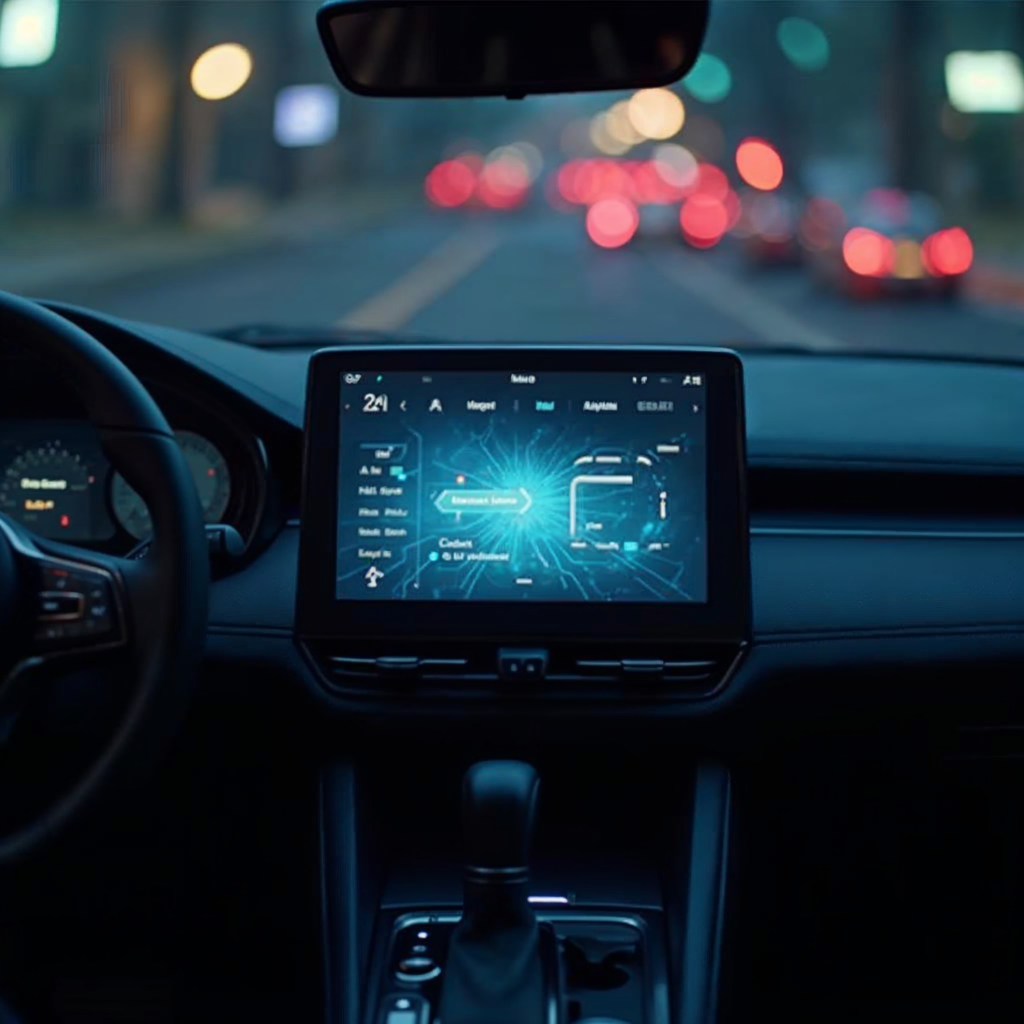
ChatGPT just made its way into the driver’s seat — literally. OpenAI officially launched ChatGPT for Apple CarPlay on April 2, 2026, making it the first major generative AI assistant to land as a dedicated voice app on your car’s dashboard. Whether you’re commuting, road-tripping, or stuck in traffic, you can now tap into GPT-5-powered answers — completely hands-free, without ever touching your phone.
This isn’t just a novelty. It marks a pivotal moment in the convergence of AI and everyday mobility — and it raises real questions about safety, utility, and what the future of in-car AI looks like.
What Is ChatGPT on Apple CarPlay?
Apple CarPlay is Apple’s system that mirrors your iPhone onto your car’s infotainment screen. With the latest update, OpenAI’s ChatGPT app now integrates directly into CarPlay, allowing drivers to have full voice conversations with GPT-5 — no keyboard, no tapping, no distractions.
Unlike Siri or Google Assistant — which are voice-operated command tools — ChatGPT CarPlay brings true generative AI reasoning to your commute. You can ask it to explain complex topics, brainstorm ideas, draft messages out loud, or simply have an intelligent, open-ended conversation while on the road.
Requirements to Use ChatGPT on CarPlay
- iPhone running iOS 26.4 or later
- Latest ChatGPT app installed from the App Store
- A CarPlay-compatible vehicle (wired or wireless)
How It Works: Key Features
Voice-Only Interface
Safety is baked into the design from the ground up. ChatGPT on CarPlay operates exclusively through voice — no screen-based input, no typing, and no visual prompts that could distract the driver. You simply open the ChatGPT app from the CarPlay interface and speak naturally.
Continue Recent Conversations
You can pick up exactly where you left off. CarPlay lets you resume recent chats or access specific Projects — a power-user feature that lets you organize ChatGPT conversations by topic, making it easy to continue a brainstorm, review, or research thread from your desktop right into your car.
Start Fresh Conversations On-the-Go
Need to think through a problem during your commute? Start a new conversation anytime. Ask questions, explore ideas, or rehearse talking points — all completely hands-free. The AI responds in real-time through your car’s speakers.
Powered by GPT-5
The CarPlay experience is powered by OpenAI’s current flagship models. Free users get access to GPT-5.3 Instant. Paid subscribers (ChatGPT Plus, Pro, Business, and Enterprise) can access the more powerful GPT-5.4 Thinking — bringing next-level reasoning capability directly to your dashboard.
What ChatGPT CarPlay Cannot Do (Yet)
While the launch is impressive, it’s important to understand the current boundaries. ChatGPT on CarPlay cannot:
- Access live maps or your GPS location
- Control navigation, music, or phone calls
- Interact with other apps like Spotify, Waze, or Mail
- Be activated with a wake word (manual app launch required)
- Access vehicle diagnostics or car-specific data
For now, this is a conversation-first assistant — far more capable in reasoning than Siri, but without the deep system integration that Apple’s native assistant provides. OpenAI’s focus here is on conversational depth and safety over device control.
What This Means for Users
For everyday drivers, ChatGPT on CarPlay is the most capable AI conversationalist available in-car right now. Think of it as a knowledgeable co-pilot who can help you work through problems, brief you on complex topics, prepare you for meetings, or keep you mentally engaged on long drives — all without your eyes or hands leaving the wheel.
For productivity-focused professionals, this opens up previously dead commute time for meaningful cognitive work — strategy, learning, brainstorming — all driven by voice.
For paid subscribers on Plus, Pro, or Business plans, access to GPT-5.4 Thinking brings serious multi-step reasoning to every drive. It’s a powerful upgrade over anything previously available in an in-car AI experience.
What it doesn’t do is replace your GPS or compete with Siri’s device-control capabilities — and that’s a deliberate, safety-first design choice that makes sense at this stage.
Key Takeaways
- ChatGPT launched on Apple CarPlay on April 2, 2026, requiring iOS 26.4 or newer
- It is a voice-only interface — no touch input, safety-first design
- You can start new conversations, resume recent ones, and access organized Projects
- Powered by GPT-5.3 Instant (free) and GPT-5.4 Thinking (paid tiers)
- Cannot control maps, navigation, music, or other apps — conversation only
- No wake word — manual launch required from CarPlay interface
Frequently Asked Questions
What iPhone do I need to use ChatGPT on Apple CarPlay?
You need an iPhone running iOS 26.4 or later with the latest ChatGPT app installed. Any CarPlay-compatible iPhone on iOS 26.4 will support the feature.
Is ChatGPT on CarPlay free to use?
Yes — free users can access GPT-5.3 Instant via CarPlay at no cost. Paid subscribers (ChatGPT Plus, Pro, Business, Enterprise) unlock the more advanced GPT-5.4 Thinking model for deeper, multi-step reasoning on the road.
Can ChatGPT on CarPlay give me directions or navigate?
No. ChatGPT on CarPlay cannot access your location, GPS data, or navigation apps. For turn-by-turn directions, continue using Apple Maps, Google Maps, or Waze.
Is there a wake word to activate ChatGPT in CarPlay?
No wake word exists yet. You need to manually open the ChatGPT app within the CarPlay interface to begin a conversation. OpenAI may introduce wake-word support in a future update.
How is ChatGPT different from Siri in CarPlay?
Siri is optimized for device control — making calls, playing music, sending messages, and navigation commands. ChatGPT excels at open-ended conversation, complex reasoning, creative thinking, and detailed explanations. They serve different but complementary roles in your car. For now, you’d use both: Siri for tasks, ChatGPT for thinking.
Will ChatGPT CarPlay get more features in the future?
Almost certainly. This is OpenAI’s first iteration of in-car AI. Future versions are expected to add deeper iOS integration, possible location awareness, and potentially the ability to interact with other CarPlay apps — though no official timeline has been shared.
Conclusion
ChatGPT’s arrival on Apple CarPlay is more than a product update — it’s a signal of where AI is heading: embedded in the fabric of daily life, not just on our phones and laptops. For now, it’s a powerful voice companion for your commute. But as OpenAI deepens its CarPlay integration, richer capabilities — smarter context awareness, possible location integration, and deeper iOS hooks — are almost certain to follow.
The era of the AI co-pilot has officially begun. The road ahead just got a whole lot smarter.