
Starting a blog can feel like a huge undertaking, especially if you’re not a tech expert. You might be wondering about hosting, domain names, and all the jargon that goes with it. The good news is, it’s never been easier to get a blog up and running, and you can do it in under 15 minutes.
This comprehensive guide will walk you through the entire process of starting a blog on Bluehost, one of the most popular and beginner-friendly web hosts available. We’ll cover everything from picking your hosting plan to installing WordPress, so you can stop planning and start creating.
Why Choose Bluehost for Your First Blog?
Before we dive into the steps, let’s talk about why Bluehost is a top recommendation for new bloggers. While there are countless hosting providers out there, Bluehost stands out for a few key reasons:
- Official WordPress Recommendation: Bluehost is officially recommended by WordPress.org, which is a huge vote of confidence. Their platform is optimized for WordPress, ensuring smooth performance and easy setup.
- Free Domain Name: Every Bluehost hosting plan includes a free domain name for your first year. This saves you money and simplifies the process of managing both your website’s name and its hosting in one place.
- Affordable Pricing: Bluehost’s shared hosting plans are incredibly budget-friendly, making them perfect for those just starting out. You get everything you need for a low monthly cost.
- User-Friendly Dashboard: Their dashboard is designed for beginners. The one-click WordPress install and intuitive interface make getting online a breeze, even if it’s your very first time.
The Step-by-Step Bluehost Setup
Follow these simple steps, and you’ll have your new blog live in no time.
Step 1: Pick a Hosting Plan
Your journey begins on the Bluehost website. Once you’re there, click the “Get Started” button.
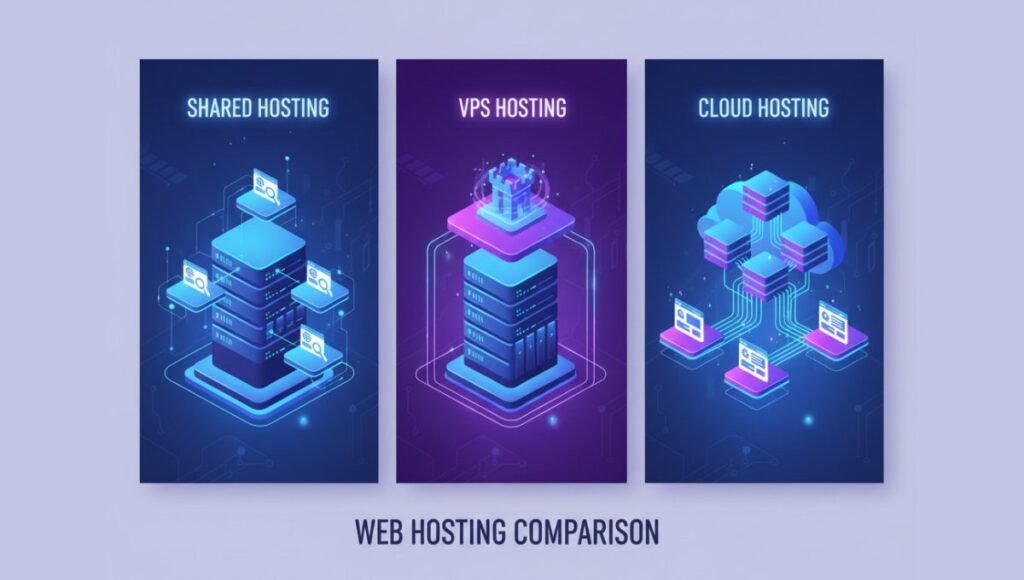
Bluehost offers several shared hosting plans. For most new bloggers, we highly recommend the Basic Plan. It’s the most affordable option and includes:
- 1 website
- 50 GB of SSD storage
- A free SSL certificate
- A free domain for the first year
If you plan on running multiple websites or want more resources from the start, you can consider the Plus or Choice Plus plans, but the Basic Plan is a perfect starting point.
Step 2: Choose Your Domain Name
After selecting your plan, you’ll be prompted to choose a domain name. This is your blog’s unique address on the internet (e.g., yourblogname.com).
- Tips for choosing a good domain:
- Keep it simple and memorable.
- Try to use a .com extension if possible.
- Avoid using hyphens or numbers.
Type your desired domain name into the box. If it’s available, you’ll be good to go. If not, Bluehost will offer you some suggestions, or you can try a different name or extension.
Step 3: Complete Your Account Information
Now, fill out the account creation form with your personal details. This is where you’ll finalize your hosting package.
- Package Information: Review the hosting term length. Bluehost offers 12, 24, and 36-month terms. While a 12-month term might seem appealing, choosing a longer term (like 36 months) gives you the best monthly rate and locks in the low introductory price for three years.
- Package Extras: Bluehost will present some add-ons. You can uncheck most of these to keep your initial cost down. We recommend keeping “Domain Privacy + Protection” as it hides your personal contact information from public records, but the other extras aren’t essential for starting out.
After reviewing everything and entering your payment information, click “Submit.” Congratulations, you’ve just purchased web hosting!
Step 4: Install WordPress
This is the final and easiest step. Bluehost has a one-click WordPress installation process. Once your payment is complete, you will be guided through setting up your account password. Bluehost will then automatically install WordPress for you.
- H4: Your Bluehost Dashboard: Once the installation is finished, you’ll be taken to your Bluehost dashboard. This is where you can manage your website, email, and other services. From here, you can click the “Log In to WordPress” button to access your blog’s back end.
- H4: Choose a Theme and Start Writing: When you first log in to your WordPress dashboard, you’ll be prompted to choose a theme. A theme controls the look and feel of your blog. You can start with a free theme to get a feel for things, and you can always change it later. From there, you can start writing your very first blog post!
What to Do After Your Blog is Live
Getting your blog online is a great first step, but there are a few more things you should do to prepare it for visitors.
- Install Essential Plugins: Plugins add functionality to your blog. We recommend starting with a few key ones:
- Yoast SEO: Helps with search engine optimization.
- Akismet Anti-Spam: Protects your comments section from spam.
- WPForms: Create simple contact forms for your visitors.
- Create Your Core Pages: Before you start publishing posts, create some essential pages like an “About” page (to introduce yourself) and a “Contact” page (so people can reach you).
Final Thoughts
You’ve now successfully learned how to start a blog on Bluehost. The process is simple, affordable, and puts you in complete control of your online presence. Whether you want to share your passion, build a business, or create a community, you have everything you need to get started.
Ready to take the leap? There’s no better time than now to start your blogging journey.
Frequently Asked Questions (FAQs)
The cost is very affordable for a beginner. Bluehost’s basic shared hosting plan starts at a low introductory monthly rate. This fee includes your web hosting, a free domain name for the first year, and a free SSL certificate. The total initial cost is typically under $100 for the entire first year.
You can set up a complete blog in as little as 15 minutes. Bluehost’s one-click WordPress installation process automates the technical work, so you can go from purchasing your hosting to having a live website in just a few minutes.
Yes, Bluehost is widely considered one of the most beginner-friendly web hosts. Its user-friendly dashboard and guided setup process make it simple for anyone to get a blog online, even without any prior technical experience.
Using a paid host gives you full control over your website. With Bluehost, you own your content, can monetize your blog, and have the freedom to customize your site with any theme or plugin you want. Free platforms often have limitations, can place ads on your site, and offer very little creative control.
No, Bluehost is used by millions of people all over the world. While their main data centers are in the U.S., they are a global company. Their services are accessible to anyone with an internet connection, and they offer a variety of customer support options. Your blog will be accessible to users globally.
The introductory price and the free domain name are for the first year. After the initial term, your hosting plan and domain will renew at their regular rates. Bluehost will send you a reminder email before your renewal date, so you can be prepared.